Your doctor’s plan is a list on your phone.
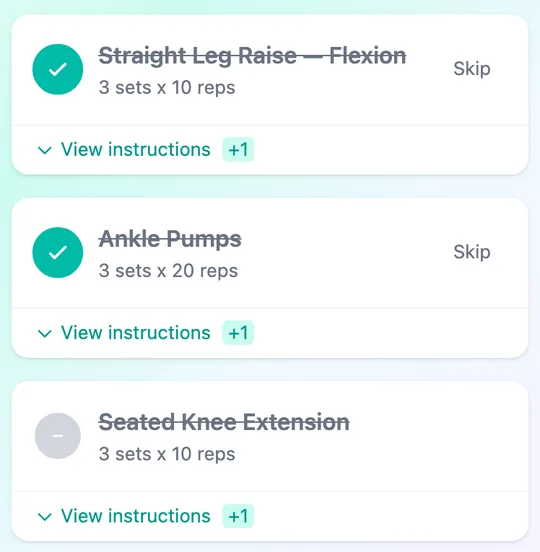
Your doctor picks exercises from a library and sets the number of sets and reps. Open your phone and today’s list is there. Sign in with the link your doctor gives you and add it to your home screen.
iRehab, for patients and families
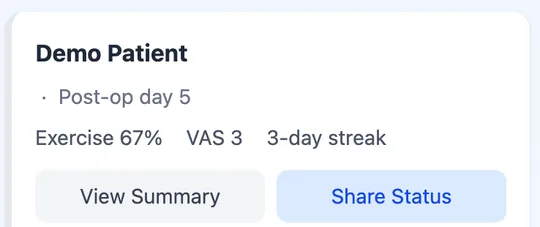
Your doctor’s exercise plan becomes a list on your phone. Tick off each exercise and report pain every day. At your next visit, your doctor can see the record, and your family can follow along too.

Treatment happens in the clinic. Recovery happens in your everyday life. iRehab keeps a record of those days.
A day at home
Your doctor picks exercises from a library and sets the number of sets and reps. Open your phone and today’s list is there. Sign in with the link your doctor gives you and add it to your home screen.
Tick each exercise when you finish it. If you are not up to it today, tap Skip. Your doctor can see what you did and what you skipped.
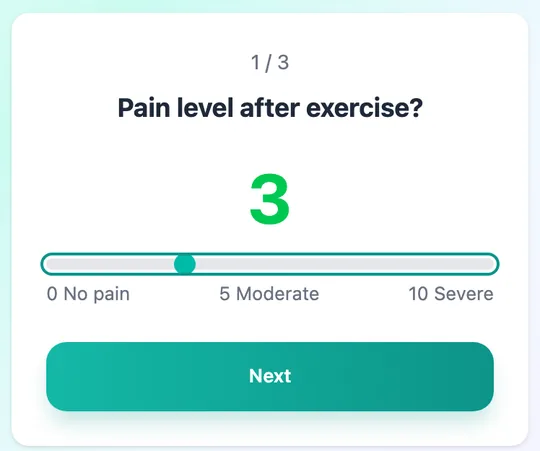
Move the slider to how much it hurts right now. Once a day is enough.
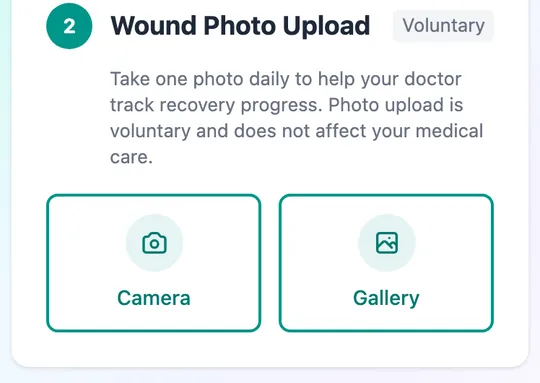
Once your clinic turns on photos, you can take a wound photo or choose one from your gallery. Your doctor can see the photos from this period.
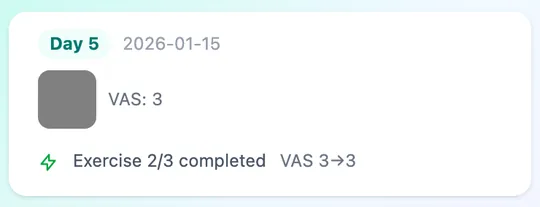
Your doctor can see how much you did each day, what you skipped, your pain scores and wound photos, and start the conversation from there.
For families
People often want to get better quickly for the sake of their families.
Your family member can remove the link at any time.

Follow one patient through it: before the visit, at the visit, and back at home.
Your doctor sets up iRehab for you. At the visit, your doctor gives you a link or a QR code. Sign in and add it to your phone’s home screen.