The Scenario Nobody Plans For
Disaster recovery in enterprise software means failover clusters, replicated databases, and 24/7 ops teams. It assumes you have data centers, network engineers, and budget.
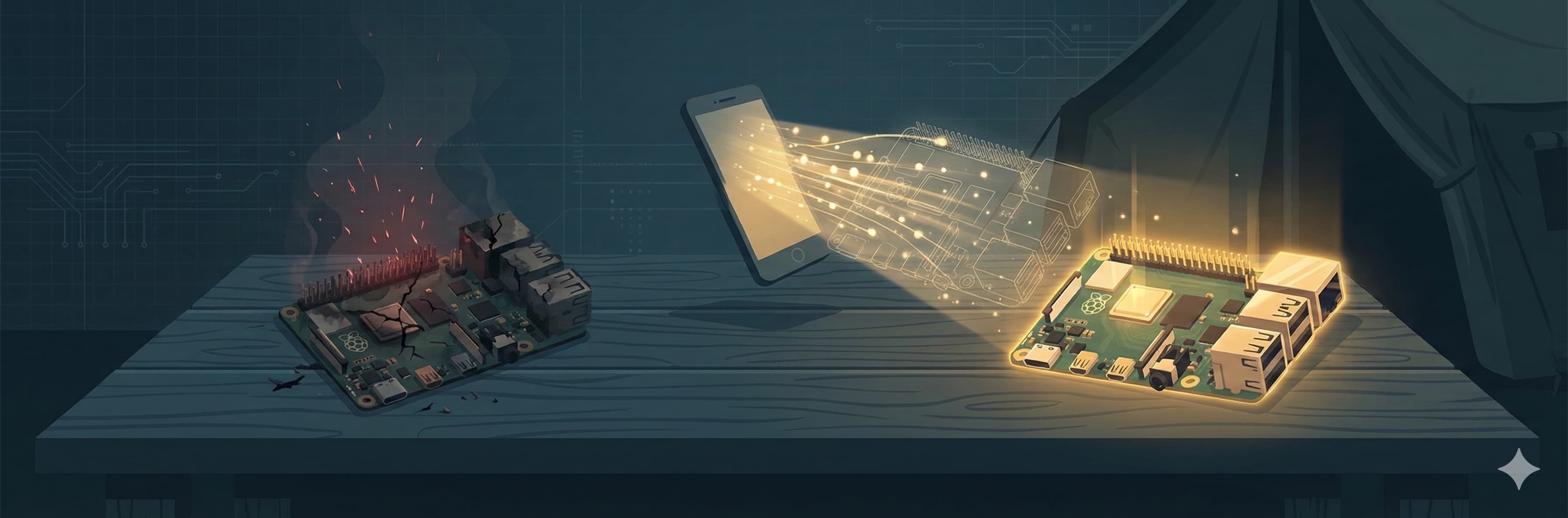
Now remove all of that. You are running a medical station on a Raspberry Pi in a disaster zone. The power adapter got kicked. The SD card corrupted. The device fell off a folding table during an aftershock. The Pi is dead.
Every patient record from the last 72 hours was on that device. Triage classifications. Medication dispensing logs. Blood product custody chains. Active surgical cases. All of it.
Traditional disaster recovery says: restore from backup. But the backup server is the same device that just died. There is no cloud. There is no second data center. There is no IT team.
What there is: a nurse with a phone that has been syncing data in the background every five minutes.
The Lifeboat Protocol
We call it the Lifeboat Protocol because the metaphor is precise. When the ship goes down, the lifeboats carry the passengers. When the server goes down, the phones carry the data.
Every PWA (Progressive Web App) in the xGrid fleet runs a background process called the Lifeboat Client. Every five minutes, it silently pulls new data from the Raspberry Pi and stores it locally in the browser's IndexedDB — a persistent database that survives app restarts, phone reboots, and even airplane mode.
The backup is not a file. It is a structured event store with every change that has happened on the server, plus periodic snapshots of the current state of all critical tables — patient records, blood products, surgical cases, medication schedules, care plans.
When the server dies, the phone doesn't even know immediately. The next time it tries to sync, it notices the server is gone. When a fresh Raspberry Pi appears on the network, the phone detects it automatically: the server's identity has changed, and the database is empty.
That triggers the restore.
Three Minutes to Full Recovery
The recovery flow is designed for a nurse, not an engineer:
Step 1
Detect
Phone sees new server with empty database. Banner appears: "New server detected. Restore data?"
Step 2
Authenticate
Nurse enters the admin PIN. This prevents unauthorized restores — you cannot overwrite a server's data without the code.
Step 3
Restore
Phone sends all cached events and snapshots in batches. Server processes them in transactions. Typical restore: under 3 minutes.
The snapshot restores the current state immediately — the dashboard becomes usable within seconds. The events replay the complete history, ensuring every audit trail is intact.
Why Events, Not Just Snapshots
A snapshot tells you where things are now. Events tell you how they got there.
If you only restore a snapshot, you know that Patient A has two units of blood allocated. But you don't know who allocated them, when, or why. You don't know that the allocation was an emergency override at 2 AM because the patient was hemorrhaging and the physician was in surgery with another patient.
xGrid records every state change as an immutable event: who did it, when, on which device, with what justification. The event store is append-only — events are never deleted or modified. Each event carries a cryptographic hash of its content.
When the phone restores to a new server, it sends the complete event chain. The server can reconstruct not just the current state, but the entire history of every decision, every override, every handoff.
Chain Hash Verification
How do you know the restored data is complete and untampered?
Each entity type (blood products, surgical cases, patient records) maintains a rolling chain hash:
chain[i] = SHA-256(chain[i-1] + event_id + payload_hash)
This is conceptually similar to a blockchain, but without the overhead. If the original server had 500 blood product events producing chain hash a3f2..., and the restored server processes those same 500 events, it must produce the identical chain hash a3f2....
If any event is missing, modified, or out of order, the chain hash diverges. The system flags it. You know something is wrong before anyone starts using the data.
In our end-to-end tests, we seed a server with patient data, blood products, and surgical cases. We export everything. We spin up a fresh server. We restore. We compare chain hashes. They match. Every time.
Idempotency: The Safety Net for Unreliable Networks
What happens if the nurse's phone loses WiFi halfway through the restore? She reconnects and hits "Restore" again. Will it duplicate everything?
No. Every event has a unique ID and a content hash. When the server receives an event it has already processed, it checks:
- Same ID, same hash: Already present. Skip. No duplicate.
- Same ID, different hash: Conflict. Reject and log for investigation.
- New ID: Insert normally.
The nurse can press "Restore" ten times. The result is identical to pressing it once. This is not a convenience feature — it is a critical safety property. In a stressful environment with unreliable connectivity, people will retry. The system must handle retries gracefully.
What Gets Restored
The Lifeboat snapshot covers 20 critical tables:
Core Medical
Anesthesia cases, equipment status, blood units and custody chains
LSCO Modules
PFC care plans, vital signs, interventions, medication schedules, clinical alerts
Field Operations
TCCC casualty cards, MEDEVAC requests, DCS phase logs, deferred procedures
Governance
Approval requests, votes, escalation logs, permission modes, pre-authorizations
Every table that matters for patient safety is included. If it affects clinical decisions, it survives the restore.
SD Card Reality
Raspberry Pi devices use SD cards for storage. SD cards wear out. They are not designed for the write patterns of a database server. In a field deployment running 24/7, SD card failure is not a question of if, but when.
This is why the Lifeboat Protocol exists. Not as an insurance policy for unlikely events, but as a routine part of the system's operating assumptions. The system is designed for hardware failure.
The restore process also protects the new SD card. Instead of writing thousands of individual database operations, each batch of events is processed in a single transaction. Fewer write operations means less SD card wear, extending the life of the replacement device.
The 12-Step Validation
Our end-to-end DR test runs 12 steps:
- Seed the original server with patients, blood products, surgical cases, and LSCO data
- Create PFC care plans with vital signs, TCCC casualty cards, and MEDEVAC requests
- Export all events and snapshots (paginated, cursor-based)
- Record the original server's chain hash fingerprint
- Spin up a fresh server with an empty database
- Restore batch 1: snapshot + first batch of events
- Restore remaining batches
- Compare chain hashes between original and restored server
- Re-send all events (idempotency test) — verify zero duplicates
- Verify all LSCO data survived: PFC plans, TCCC cards, MEDEVAC requests
- Check restore history: zero rejected events
- Confirm complete audit trail integrity
All 12 steps pass. The restored server is indistinguishable from the original — same data, same history, same chain hashes.
What This Means in Practice
A field hospital team deploys with two Raspberry Pi devices and a box of spares. When a device fails — and it will — the replacement sequence takes minutes, not hours. No engineer required. No command-line access. No special training beyond "enter the PIN when the phone asks."
The data doesn't live on the server. It lives everywhere — on every phone and tablet that has been connecting to the server. The server is not the source of truth. It is a convenient aggregation point. The phones are the lifeboats, and they are always ready.
This is what Walkaway means in practice. Not just that the developers can walk away (they can — see The Walkaway Test). But that the hardware can walk away too. Fall off a table. Get stepped on. Catch fire in an aftershock. The data survives because the data was never in just one place.
Related: The Walkaway Test · SQLite in the Battlefield · Hub-and-Spoke: Network Architecture for Disconnected Operations