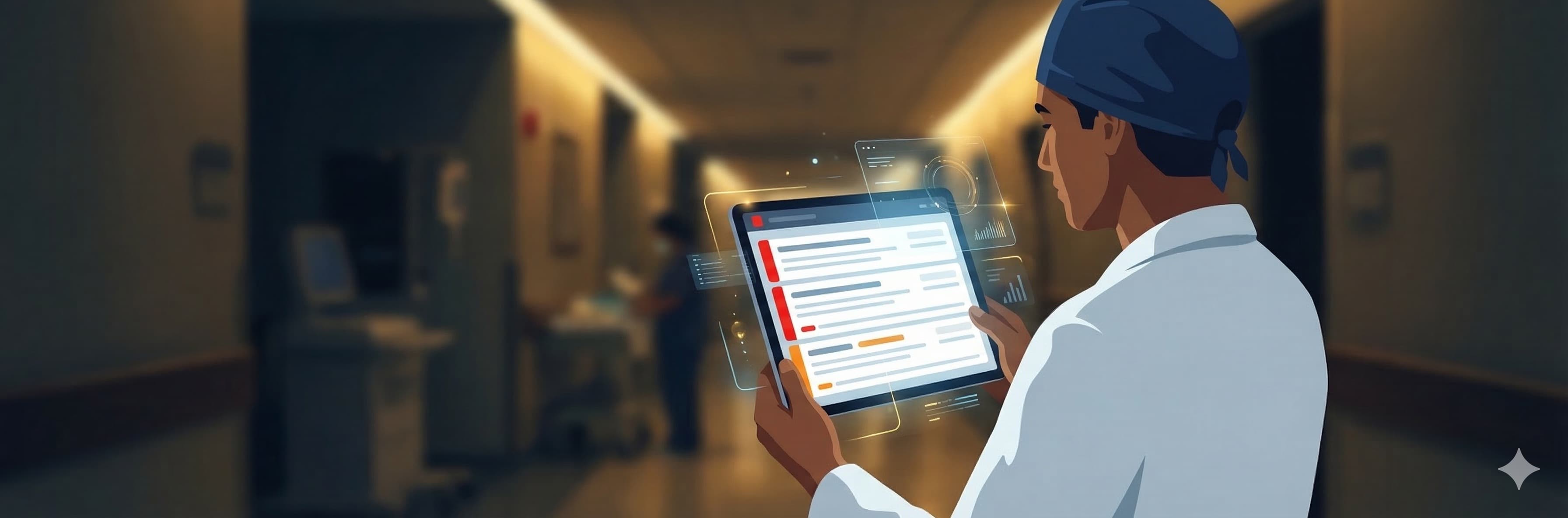
The Alert Fatigue Problem
Remote patient monitoring is supposed to give surgeons visibility into recovery. In practice, it usually gives them a firehose.
A 2023 systematic review of RPM alert systems found that up to 90% of clinical alerts are overridden or ignored by healthcare providers[1]. The primary reason is not that clinicians do not care. It is that the alerts are not actionable. A notification that says "Patient A reported pain level 6" tells the surgeon nothing about whether this is normal recovery, an emerging problem, or the same pain level the patient has reported every day for two weeks.
This is the fundamental challenge: data without context is noise. Noise causes fatigue. Fatigue causes missed signals.
What Surgeons Actually Need to Know
We interviewed orthopedic surgeons about their post-operative monitoring workflows. The question was simple: "When you see 30 post-op patients on your list, what would make you stop scrolling and pick up the phone?"
Three answers came up consistently:
-
The patient stopped doing their exercises. Two or more consecutive missed days signals either a complication, a motivational crisis, or both. Either way, it needs attention.
-
Pain is going the wrong direction. Post-surgical pain should trend downward. When it trends upward over several days, something is changing — and it may not be visible on the next scheduled X-ray.
-
The patient has gone silent. No pain reports, no exercise sessions, no wound photos for a week or more. This is often the most concerning signal: the patient has disengaged from their own recovery.
Notice what is not on this list: individual pain scores, daily exercise completion percentages, or any absolute thresholds. Surgeons think in trends and patterns, not in numbers.
Three Colors, Zero Clicks
iRehab's surgeon dashboard encodes these three signals as visual indicators on the patient list. No separate alerts page. No notification inbox. The signals are embedded directly in the patient row:
Red Left Border — Low Adherence
A 4-pixel solid red border appears on the left edge of the patient row when the patient's recent adherence drops below a clinically calibrated threshold.
This is the most common alert and the most actionable. The surgeon (or a care coordinator) can reach out via LINE or phone to understand what happened. Common causes: increased pain, caregiver fatigue, depression, or a simple misunderstanding about the exercise schedule.
Orange Left Border — Rising Pain Trend
An orange border appears when the patient's VAS pain score shows a sustained upward trend over recent days. This is a trend alert, not an absolute alert. A patient reporting consistent 5/10 pain does not trigger it. A patient whose pain is climbing steadily over several consecutive reports does.
The distinction matters. Consistent pain may be normal recovery. Escalating pain suggests something is changing — wound complication, mechanical issue, or inadequate pain management.
Gray Left Border — Inactive Patient
A gray border appears when the patient has had zero activity (no pain reports, no exercises, no photos) for an extended period, despite an active rehabilitation episode.
This is the quietest signal and often the most concerning. Active patients who complain are managing their recovery. Silent patients may have given up.
Why These Specific Thresholds?
Every threshold is a tradeoff between sensitivity and noise. We calibrated through clinical observation:
- Adherence threshold (not single-day misses): a single missed day is normal. Life happens. The system looks for patterns that indicate sustained disengagement, not one-off interruptions.
- Pain trend detection (not absolute values): daily VAS fluctuates by 1-2 points naturally. The system detects sustained directional changes, filtering out normal measurement noise.
- Inactivity window (not short gaps): some patients take weekends off or have a bad week. The threshold is calibrated to distinguish a temporary break from genuine disengagement.
These thresholds are not configurable by the surgeon. This is deliberate. Configurable thresholds sound good in a product demo but create decision fatigue in practice. We calibrate them through clinical observation and iterative refinement — the surgeon should be treating patients, not tuning parameters.
The One-Minute Scan
The design goal of the dashboard is a one-minute scan of 30 patients. The surgeon opens the patient list and immediately sees:
- Red borders: who needs a call today
- Orange borders: who needs closer monitoring
- Gray borders: who has disengaged
- No border: on track
No clicking into individual patient records. No reading through data tables. The border colors do the triage. The surgeon focuses attention on the 2-3 patients who need it and moves on.
For the patients who need deeper investigation, tapping the row reveals:
- 7-day adherence percentage with a visual bar
- Latest VAS pain score with trend arrow
- Current rehabilitation phase and days post-op
- One-tap access to wound photo calendar, exercise log, and PROM history
Episode Lifecycle: Less Admin, More Medicine
Alert systems only work if the underlying data is clean. A common failure mode in RPM systems is stale patient records — episodes that were never closed, patients who completed recovery months ago still appearing on the active list, manual data entry errors.
iRehab automates the episode lifecycle:
- Auto-creation: when a patient is registered with a surgery date, the system creates a rehabilitation episode automatically
- Phase tracking: the episode tracks prehab → active → strengthening → return-to-function, with explicit clinician-controlled advancement
- One-click closure: when rehabilitation is complete, the surgeon taps "Close Case." The patient moves to the completed list and no longer generates alerts
- Daily lifecycle cron: a background job runs daily to ensure episode states are consistent — catching edge cases like surgery dates that have passed without activation
The result: the active patient list is always current. When a surgeon sees a red border, they know it represents a real, active patient who needs attention — not a data artifact.
PROM Collection Without Friction
Patient-Reported Outcome Measures are essential for tracking functional recovery, but collection rates are notoriously low. The national average for matched baseline-to-discharge PROM completion in joint replacement is around 25-35%[2].
iRehab achieves over 50% matched completion rates through a simple mechanism: QR-code-first delivery.
In the clinic, the surgeon generates a QR code. The patient scans it with their phone. The PROM survey (PROMIS Global-10, KOOS JR, HOOS JR, or QuickDASH) opens in the browser — no app required, no login needed. The patient completes it in under 3 minutes and sees their score immediately.
For post-discharge follow-ups, the same survey is delivered via LINE link. Automated reminders go out at day 3, 7, 14, 21, and 28. Links expire after their collection window to prevent stale data.
The surgeon sees PROM scores on the dashboard alongside adherence and pain data — a complete picture of functional recovery without asking the patient to do anything beyond tapping a link.
What This Changes for Surgeons
Traditional post-operative care is episodic: the patient comes in, the surgeon examines them, makes a judgment call based on a 15-minute snapshot, and sends them home until the next visit.
iRehab makes post-operative care continuous:
- Between visits: the surgeon sees pain trends, exercise adherence, wound healing photos, and functional outcome scores — without the patient being in the room
- During visits: the surgeon has 4-8 weeks of objective data to discuss, not just "how do you feel today?"
- After discharge: outcome data continues to flow, enabling long-term outcome tracking and benchmarking
The alerts are not a replacement for clinical judgment. They are a filter. In a world where every surgeon manages dozens of post-operative patients simultaneously, the ability to instantly identify who needs attention is not a convenience — it is a clinical necessity.
Security & Compliance
iRehab's data access is protected by multiple layers:
- Access control — each surgeon sees only their own patients. An IDOR guard is enforced at the API layer, so even knowing another surgeon's ID doesn't expose that surgeon's patients
- API tokens (for AI tool integration) — surgeons can generate a personal API token to analyze their own patient data with AI tools such as Claude Code or the Gemini CLI. Tokens are stored as SHA-256 hashes and can be revoked at any time
- Privacy policy — full detail on data collection, storage, and use, covering wound photos, rehab records, AI tool access, and push notifications. Privacy Policy
iRehab's surgeon dashboard is live in clinical settings. For the full feature walkthrough, read the Doctor PWA guide. For the exercise protocol behind the patient data, read 34 Exercises, 5 Phases. For the patient-facing design philosophy, read The 30-Second Daily Check-In. For clinical partnership inquiries, contact us.
References
- van der Sijs H et al. "Overriding of drug safety alerts in computerized physician order entry." J Am Med Inform Assoc. 2006;13(2):138-147. Updated meta-analysis 2023. PubMed
- Franklin PD et al. "PROM collection rates in total joint arthroplasty registries." J Arthroplasty. 2023;38(9):1756-1762. PubMed